Free cycling maps for a Garmin Edge 800 GPS

I own a Garmin Edge 800, it is very old but still super reliable. And the best part is that you can update the maps regularly via the OpenStreetMap initiative. It allows you to use turn-by-turn navigation and have an accurate view on the routes you are following.

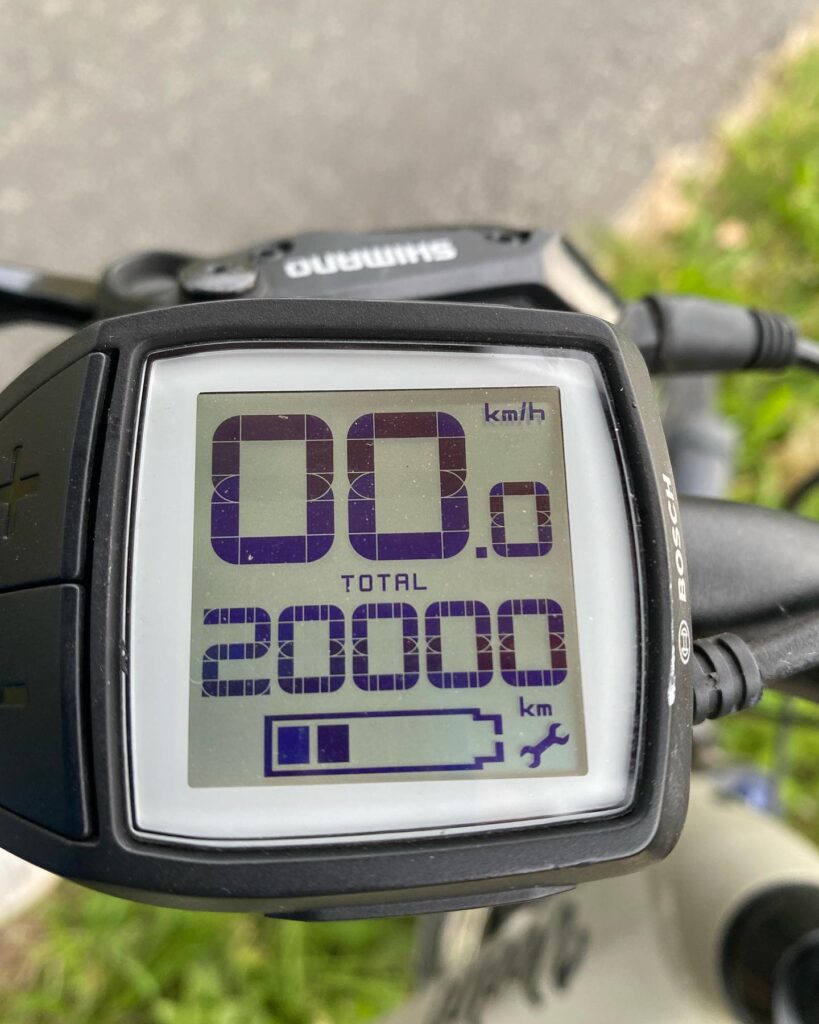
Garmin Edge 800 with OpenStreetMaps

This is the procedure:

  • Connect the device to your computer with the USB cable
    This should mount two storage devices on your computer: the built-in storage and the micro-SD card.
  • Download the most recent map from https://www.openfietsmap.nl/. Go to the Downloads section and download the region you need.
  • Open the zip file you just downloaded, and copy the file gmapsub.img to the Garmin folder on the SD card. Be patient, this took about 1 hour on my device.
  • On the GPS device, make sure to verify that the new map is the one that is active, especially if you have other maps on the card. There should only be one map activated. Check the readme.html file in the zip for more tips and tricks.

Update to Android 11 on Nokia 6.2 stuck on “Finishing system update”

I recently updated a Nokia 6.2 phone to Android 11.

After the update finished, a message Finishing system update appeared in the notification center, and it never went away, even after restarting the phone or waiting for hours.

In some discussion forums, people suggested to do a factory reset, but even that did not fix the issue, the message still appeared after the factory reset.

In the end, I removed the Micro SD card that was in the phone, and that magically seems to have fixed the issue, the update finished successfully.

So if you would experience the same issue, try removing your SD Card, that might help you out. Let us know in the comments if it worked for you!